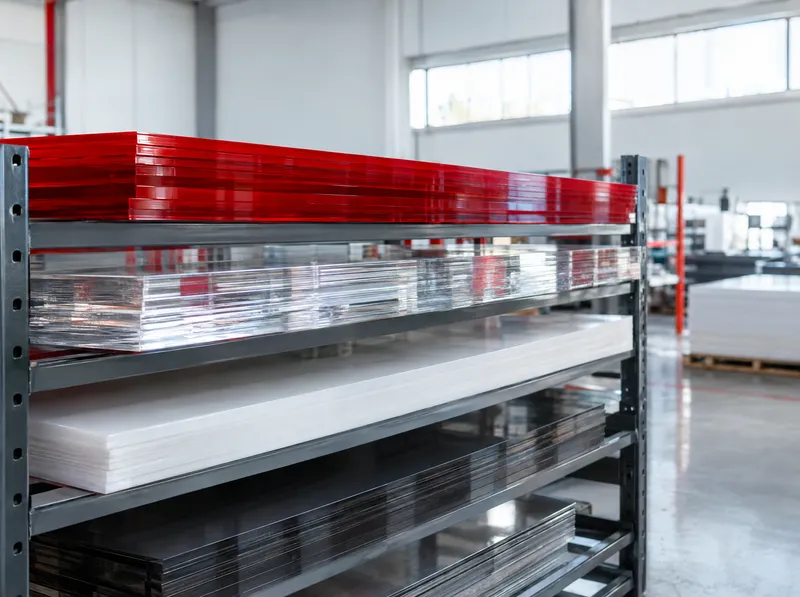
Why waste matters when cutting acrylic
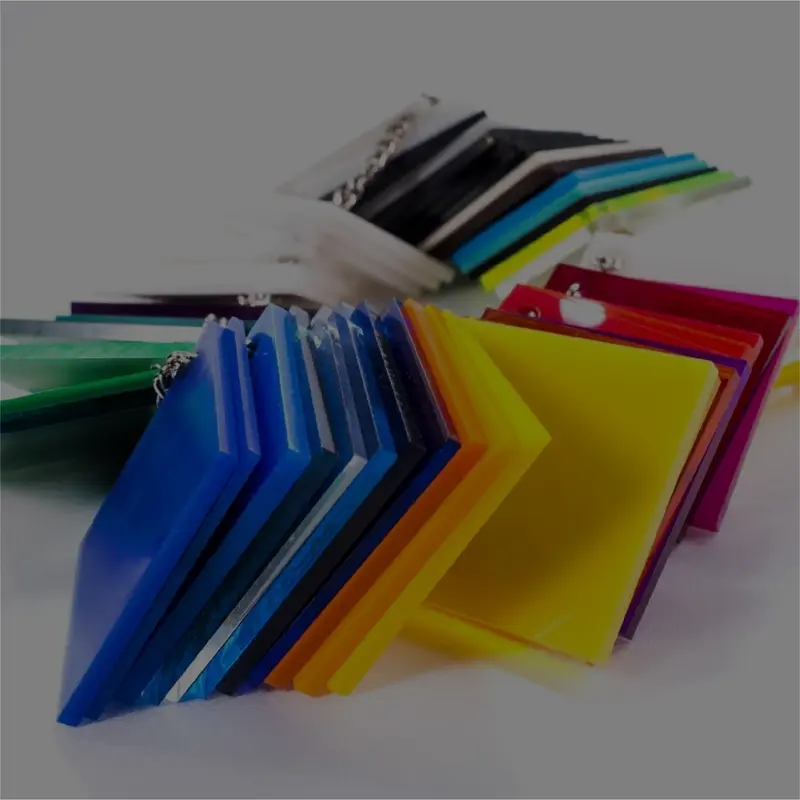
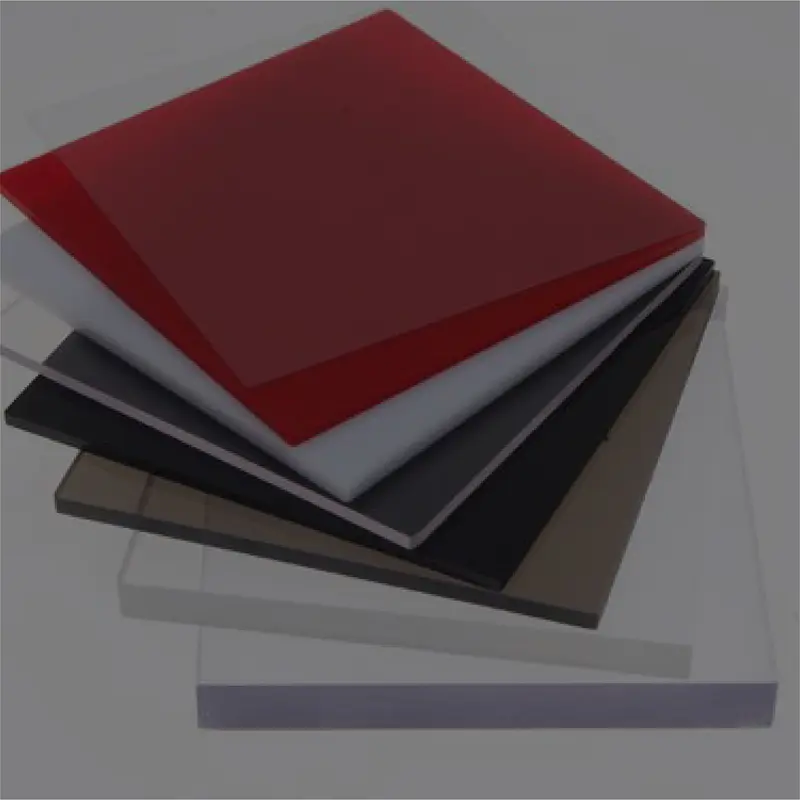
Acrylic (plexiglass) is one of the most frequently cut materials in sign, channel letter and display work. Poor nesting means buying one sheet more for the same job, and the offcut often cannot be used elsewhere. Seeing the sheet count and waste before ordering has a direct effect on material cost.
Preset on this page
The tool opens with acrylic as the material and a 3 mm cutting gap; adjust it to your router bit or laser settings. It tries the three standard sheet sizes in Asta stock: 135 × 200 cm, 150 × 300 cm and 205 × 305 cm.
How it is calculated
- Draw the parts at real size, convert text to outlines and save as SVG.
- Drop the file into the tool above and enter the quantities.
- Press “Calculate”. The tool nests the parts on each sheet size and recommends the option with the fewest sheets and the best efficiency.
- Waste = total sheet area − total part area
- Efficiency = total part area ÷ total sheet area
Example: 40 parts of 30 × 20 cm have a part area of 2.4 m². If they all fit on one 150 × 300 cm sheet (4.5 m²), the waste is 2.1 m² and the efficiency about 53%. On 135 × 200 cm sheets a simple grid with a 3 mm gap holds 36 parts, so the job needs two sheets (5.4 m²) and the efficiency drops to 44%. A smaller sheet does not always mean less waste.
Source: standard sheet sizes from the Asta Reklam acrylic product page; waste and efficiency as defined by the tool’s nesting calculation. The result is an approximate estimate.
Last updated: 18 October 2026 · Full tool page