Skip to content

Guide

Acrylic sheet cutting waste calculator

Calculate acrylic sheet count and waste from your SVG; 3 mm cutting gap preset.

File

Drag your SVG file here

or

SVG only · up to 10 MB

Your file is processed in your browser and is not uploaded to a server.

When preparing the file

  • Draw each part as a closed shape.
  • Convert text to outlines.
  • Save the drawing at real size, in mm or cm.

Settings

Gap left between parts (blade or router bit width).

Gap left from the sheet edge.

Turn rotation off if the material direction (pattern, brushed surface) matters.

Enter the real width of one part; the drawing scale is corrected accordingly.

Parts

    Choose an SVG file to see its parts.

      Why waste matters when cutting acrylic

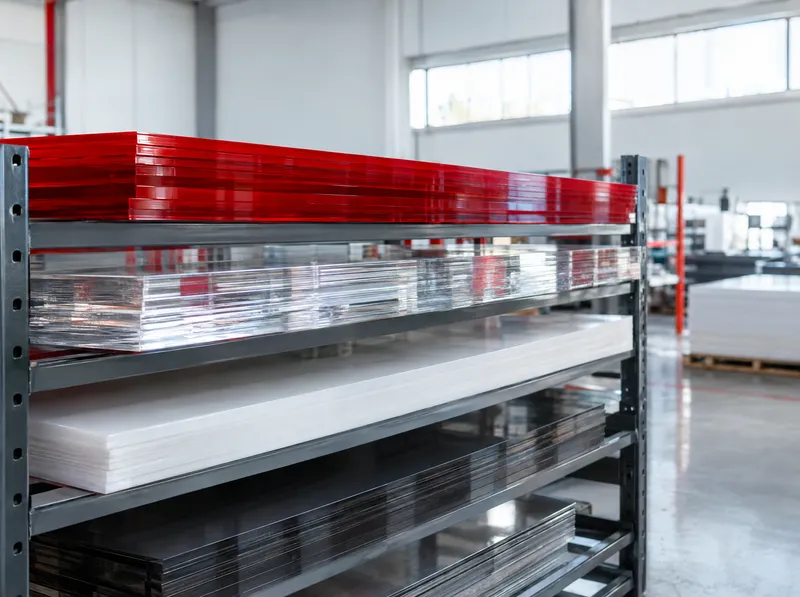
      Acrylic (plexiglass) is one of the most frequently cut materials in sign, channel letter and display work. Poor nesting means buying one sheet more for the same job, and the offcut often cannot be used elsewhere. Seeing the sheet count and waste before ordering has a direct effect on material cost.

      Preset on this page

      The tool opens with acrylic as the material and a 3 mm cutting gap; adjust it to your router bit or laser settings. It tries the three standard sheet sizes in Asta stock: 135 × 200 cm, 150 × 300 cm and 205 × 305 cm.

      How it is calculated

      1. Draw the parts at real size, convert text to outlines and save as SVG.
      2. Drop the file into the tool above and enter the quantities.
      3. Press “Calculate”. The tool nests the parts on each sheet size and recommends the option with the fewest sheets and the best efficiency.
      • Waste = total sheet area − total part area
      • Efficiency = total part area ÷ total sheet area

      Example: 40 parts of 30 × 20 cm have a part area of 2.4 m². If they all fit on one 150 × 300 cm sheet (4.5 m²), the waste is 2.1 m² and the efficiency about 53%. On 135 × 200 cm sheets a simple grid with a 3 mm gap holds 36 parts, so the job needs two sheets (5.4 m²) and the efficiency drops to 44%. A smaller sheet does not always mean less waste.

      Source: standard sheet sizes from the Asta Reklam acrylic product page; waste and efficiency as defined by the tool’s nesting calculation. The result is an approximate estimate.

      Last updated: 18 October 2026 · Full tool page
      How does it work?

      From your drawing to a cutting plan in four steps.

      1. Upload your SVG file

        Drag and drop the drawing with the parts to be cut, or choose the file.

      2. Choose material and cutting gap

        Set the sheet material, the gap between parts and the rotation option.

      3. Calculate and see the sheet with least waste

        The tool tries every sheet size, recommends the most efficient option and shows the layout.

      4. Download or request a quote

        Download the cutting SVG or DXF, or go to the quote form with the sheet size and count.

      Frequently asked questions

      What cutting gap should I use for acrylic?

      The cutting gap is the space left between parts and depends on the machine. A CNC router needs at least the bit diameter; with a laser the kerf is thin, but a few millimetres are usually left so edges do not melt together. This page opens with 3 mm; enter your own value with “Enter manually”.

      Which acrylic sheet sizes does the tool try?

      It tries the three standard sizes in Asta stock - 135 × 200 cm, 150 × 300 cm and 205 × 305 cm. For another size, choose “Other (custom size)” as the material and enter the sheet size.

      Does sheet thickness change the waste?

      No. Nesting and waste are calculated by area. If a thicker sheet needs a larger router bit, increase the cutting gap; that changes the nesting.

      How do I turn the result into a quote?

      Use “Add to basket” below the result, then “Request a quote”. The sheet size, count and cutting gap are filled in on the contact form.

      Related products

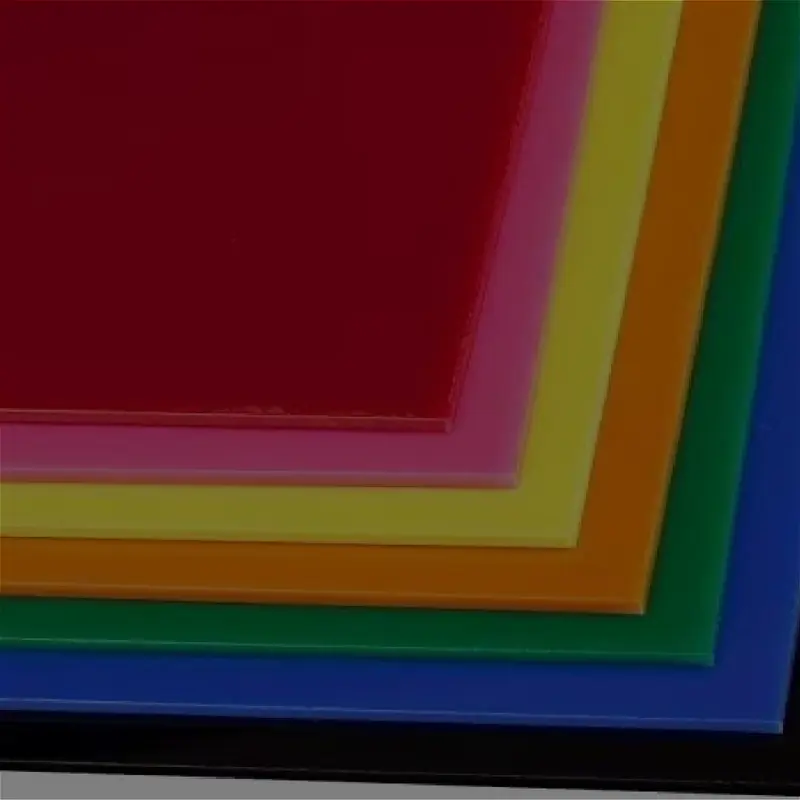
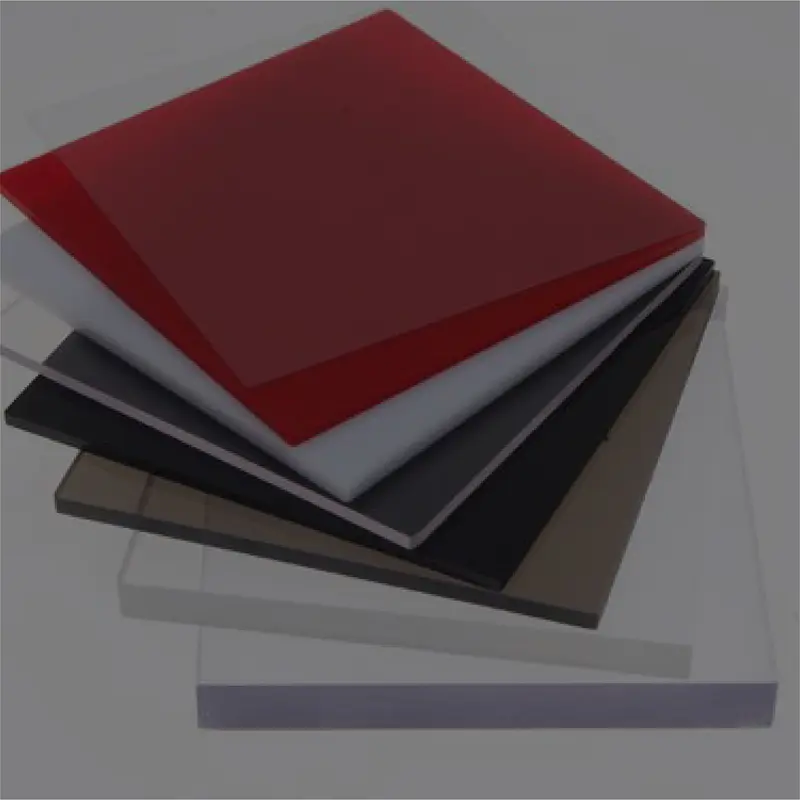
      • Acrylic Plexiglass Sheet

        Acrylic, commonly known as plexiglass, is a type of plastic with crystal clarity, suitable for all environments and easy to shape with heat. Also referred to as "plastic glass", this material stands out for its aesthetic look and practical structure.

      • Cast Acrylic Sheets

        This raw material, known as MMA and in varnish form, is produced by pouring it between glass moulds and heating it. It provides 20% better thermal insulation than glass and is 6 times more durable.

      • Extruded Acrylic Sheets

        Acrylic sheet produced by the extrusion method is made by changing the molecular structure of monomer acrylic into a polymer, giving PMMA (polymethyl methacrylate). PMMA is drawn on an extrusion line into sheets of the desired size and thickness.

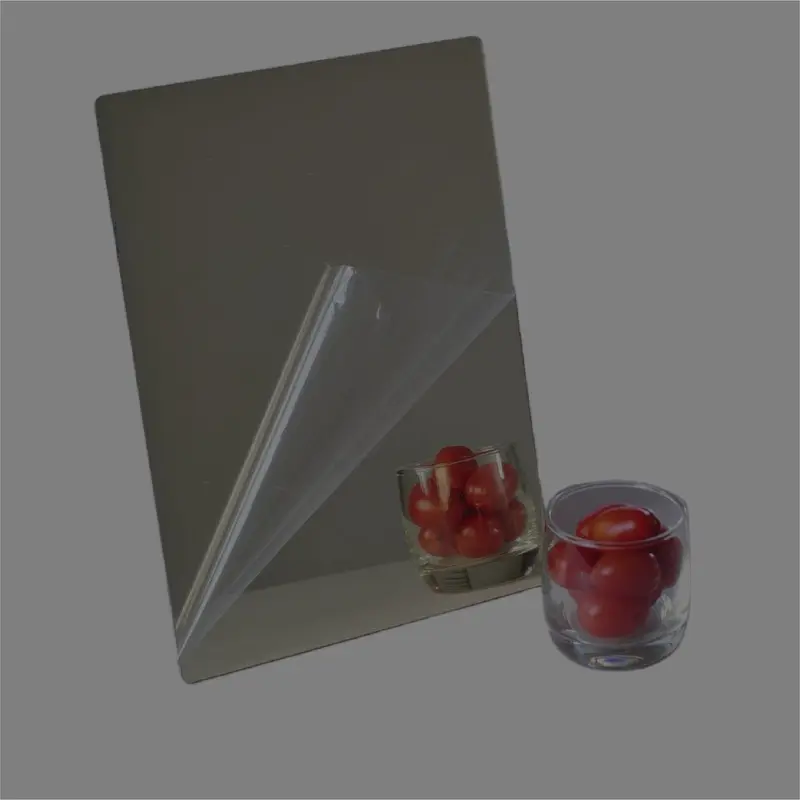
      • Mirror Acrylic Sheets

        Mirror acrylic sheets are a practical and safe product preferred in many areas for their light weight and easy machinability. Developed as an alternative to traditional glass mirrors, these sheets offer similar clarity without posing a danger if broken.

      Related product groups

      • Sheet Products

        17 products