Skip to content

Guide

What DPI does banner printing need?

Enter the image pixels, banner size and viewing distance; see whether the resolution is enough and the largest print size. A 300 × 100 cm facade banner is preset.

Quick start

Choose the image

Shown under “image size” in your editor; enter the pixel count, not the DPI tag.

The file is not uploaded; only its pixel size is read in your browser. PNG, JPG, WebP, GIF, AVIF. For PDF, TIFF and PSD, enter the pixel size in the pixel fields.

Enter the print size and distance

Width × height in cm; for example 300 × 100 or 3 m × 1 m.

The closest distance from viewer to print, in metres; for example 3 (0.1–500 m).

Advanced settingsPrint type: Banner
Print type

Facade, poster; typically 100 DPI

The print type sets the typical DPI expected from the file. If unsure, leave Banner.

Enter your values; the result appears here.

Asta Reklam · astareklam.com.tr · approximate calculation

Link to this calculation:

What does this page calculate?

The resolution a banner needs depends on how far away people look at it. From the image pixels, the tool calculates the effective DPI at print size and compares it with the resolution the eye can resolve at your viewing distance. The result is a rating (good, acceptable, poor), the largest size this image can be printed and the pixels needed for the target size. Your file is not uploaded; the pixel size is read in your browser.

Step by step

  1. Effective DPI: pixels ÷ print size (in). 1 inch is 2.54 cm. The image is scaled to cover the banner; if the aspect ratio differs, the shorter side counts.
  2. Sharpness limit: 3438 ÷ distance (in). The eye resolves about 1 arc minute; this is the number of dots per inch it can tell apart.
  3. Pixels invisible: 6878 ÷ distance (in), twice the limit.
  4. Required DPI: the smaller of the sharpness limit and the typical 100 DPI for banners.
  5. Rating: effective ÷ required of 1 or more is “good”, 0.5–1 “acceptable”, below that “poor”.

Required DPI by distance

Viewing distance Sharpness limit Pixels invisible
1 m 87 DPI 175 DPI
3 m 29 DPI 58 DPI
10 m 9 DPI 17 DPI
30 m 3 DPI 6 DPI

Example: 300 × 100 cm facade banner

A 6000 × 2000 pixel image gives 50.8 DPI at 300 cm wide. Viewed from 10 m, 8.7 DPI is required; with a ratio of 5.8 the result is good. At that distance the same file prints well up to 1745 × 581 cm. If the banner is viewed from 1 m, the requirement rises to 87 DPI and the result becomes acceptable (ratio 0.58). A half-resolution 3000 × 1000 pixel file is poor at 1 m.

How to use the result

The thresholds are a proposal based on visual acuity; ask your print shop which DPI it requires. For designs with fine text and lines, use one step higher resolution or a vector file. Add the calculation to the basket and request a quote for banner printing; our branch will reply with prices and stock.

Source: effective DPI and pixels-needed formulas from print-size.utils.com; the 3438 and 6878 constants from Northlight Images and Planar (1 arc minute = 0.000291 rad); 72–100 DPI banner practice from utils.com and large-format print suppliers. Values are approximate.

Last updated: 20 October 2026 · Full tool page
How does it work?

How does it work?

Check whether your file is ready to print in four steps.

  1. Choose the imageSelect or drag the file; its pixel size is read in your browser and nothing is uploaded.
  2. Enter the print sizeType width and height in cm or m and choose the print type.
  3. Set the distanceThe closest viewing distance: in hand, shop window, facade or building.
  4. See the resultEffective DPI, rating, largest print size and pixels needed; add to the basket and request a quote.

Frequently asked questions

How many DPI are enough for a banner?

For a facade banner viewed from 3 m or more, 72–100 DPI at print size is enough. From 10 m the eye resolves about 9 dots per inch, so even a 50 DPI file looks sharp at that distance. If pedestrians look closely or there is small text, aim for 100–150 DPI.

How many pixels does a 300 × 100 cm banner need?

Viewed from 10 m, about 1032 × 344 pixels are enough; from 3 m you need 3438 × 1146 pixels, from 1 m 10314 × 3438 pixels. Asta’s tool calculates these values for the distance and print type you choose.

Is a phone photo good enough for a banner?

Often yes. A 12-megapixel phone photo (4000 × 3000 pixels) gives about 34 DPI at 3 m wide; for a facade banner seen from 10 m that is enough. For a poster viewed up close it falls short.

Why do logos and text come out blurry?

As a pixel image is enlarged, fine edges soften. Use a vector file (PDF, AI, SVG) for text and logos; vectors print sharp at any size. Only the photo part is pixels, and that is what this tool checks.

Is the 72 DPI tag in my file a problem?

No. The tag is only a note; pixel count and print size decide print quality. An image 6000 pixels wide gives 51 DPI at 3 m wide whether it is tagged 72 or 300.

Related products

  • Laminated Vinyl Banner

    Laminated Vinyl Banner

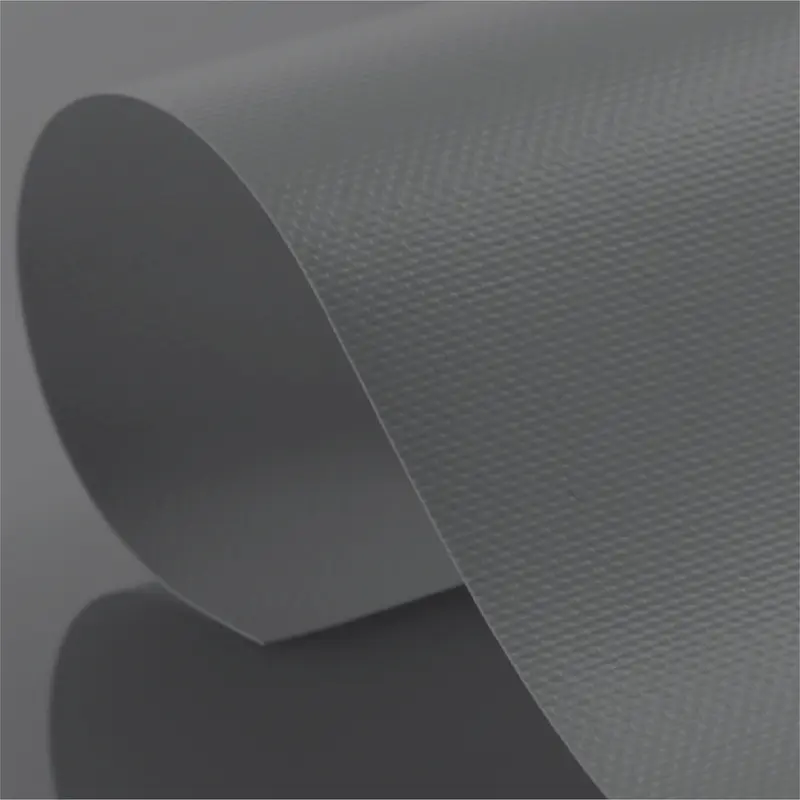
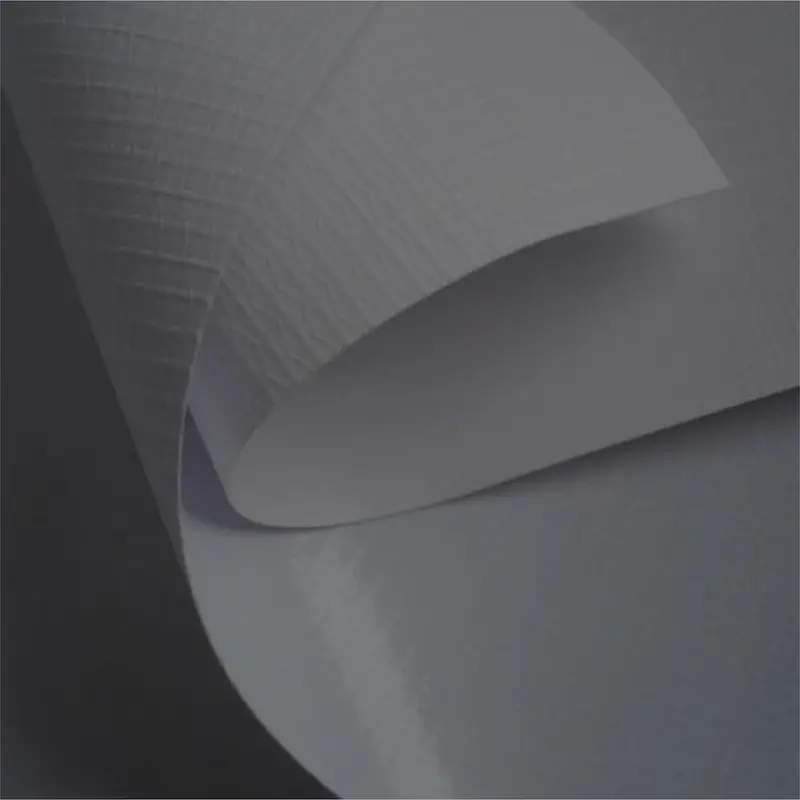
    Laminated vinyl banners are durable digital printing banners produced by laminating a PVC coating passed through a hot roller onto both surfaces. Coated with a print-receptive PVC layer, these banners offer long-lasting, high-quality solutions in outdoor advertising.

  • Cast Vinyl Banner

    Cast Vinyl Banner

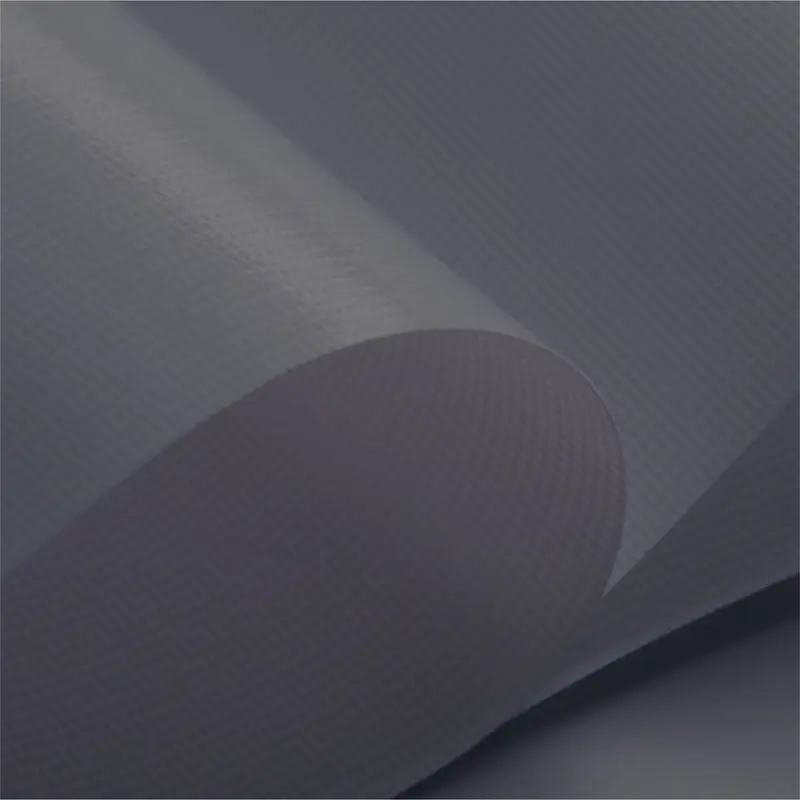
    Cast vinyl is a durable material, also known as European vinyl, produced by pouring hot PVC over threads. Produced without lamination, this type of vinyl improves print quality with its matt surface and smooth structure, and lasts longer.

  • Starflex PVC Banner

    Starflex PVC Banner

    Starflex is an extremely durable material known as European vinyl, produced by pouring hot PVC over tightly woven threads. It is generally available with a matt surface and gives high quality in prints.

  • Mesh (Perforated) PVC Banner

    Mesh (Perforated) PVC Banner

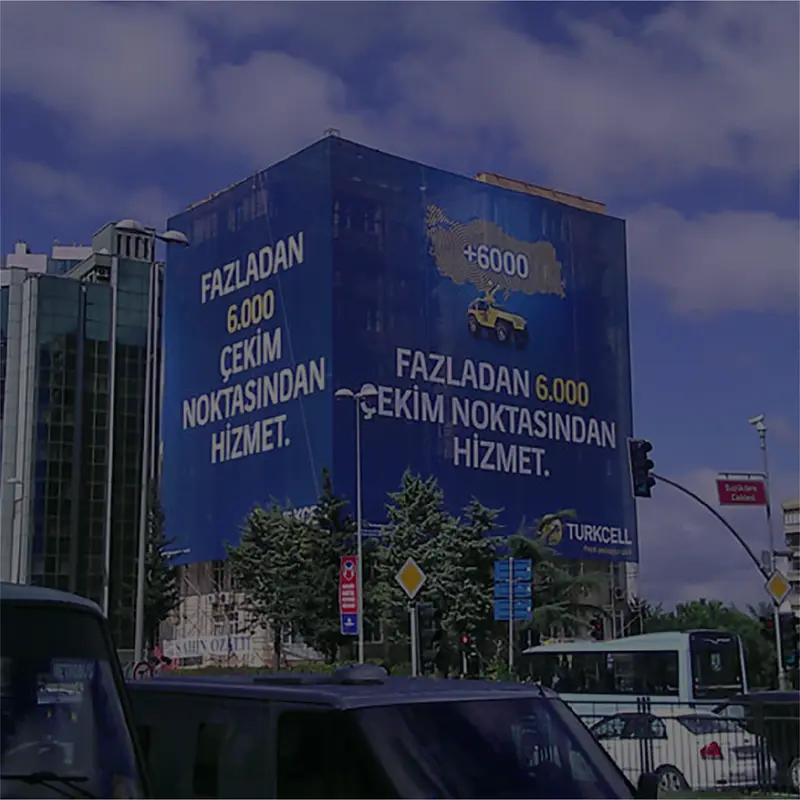
    Mesh vinyl is a perforated version of laminated vinyl PVC banner and is preferred especially for large-scale outdoor prints. Its perforated structure lets wind pass through while also increasing the durability of the material.

  • Duratrans Backlit Print

    Duratrans Backlit Print

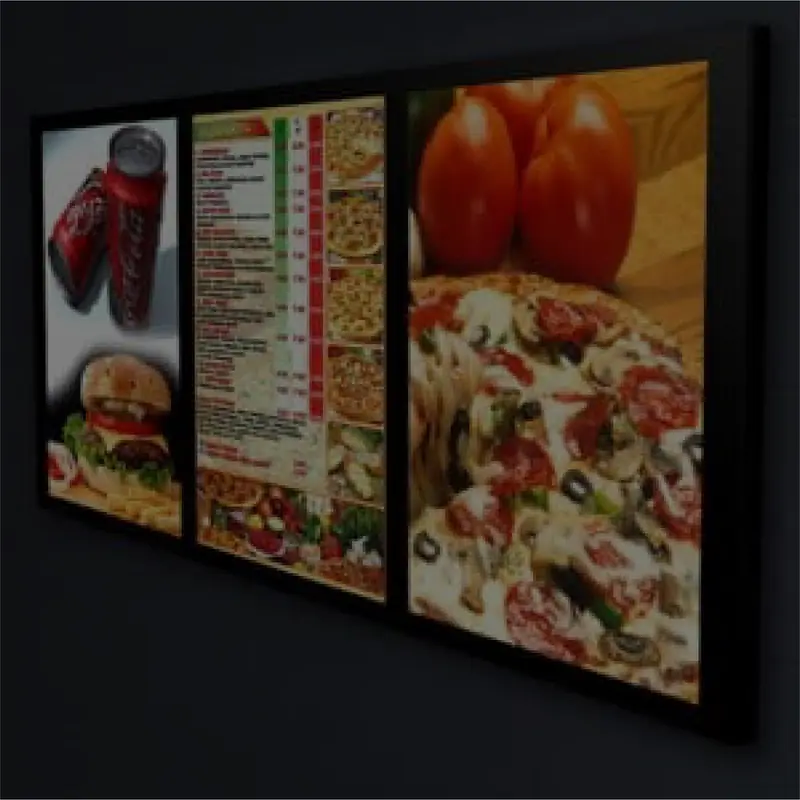
    Duratrans is a coated polyester (PET) printing film made for backlit prints. The coating absorbs ink quickly and holds it without spreading, giving vivid, saturated colours; it is used in shop-window, metro, cinema and shopping-centre lightboxes.

Related product groups